Shipping & Mail

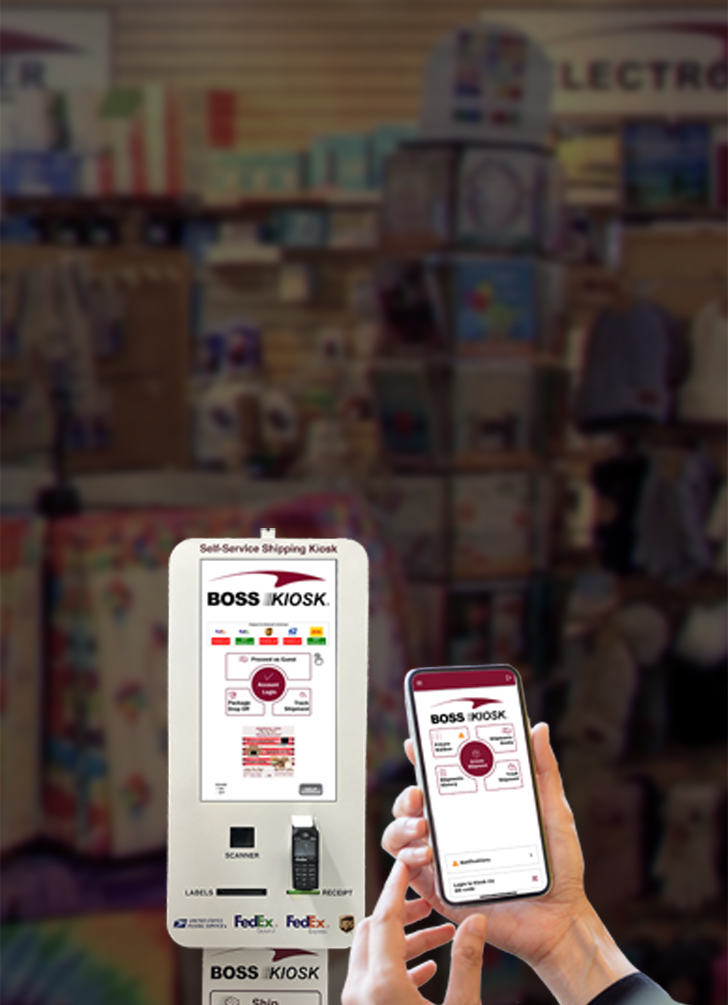


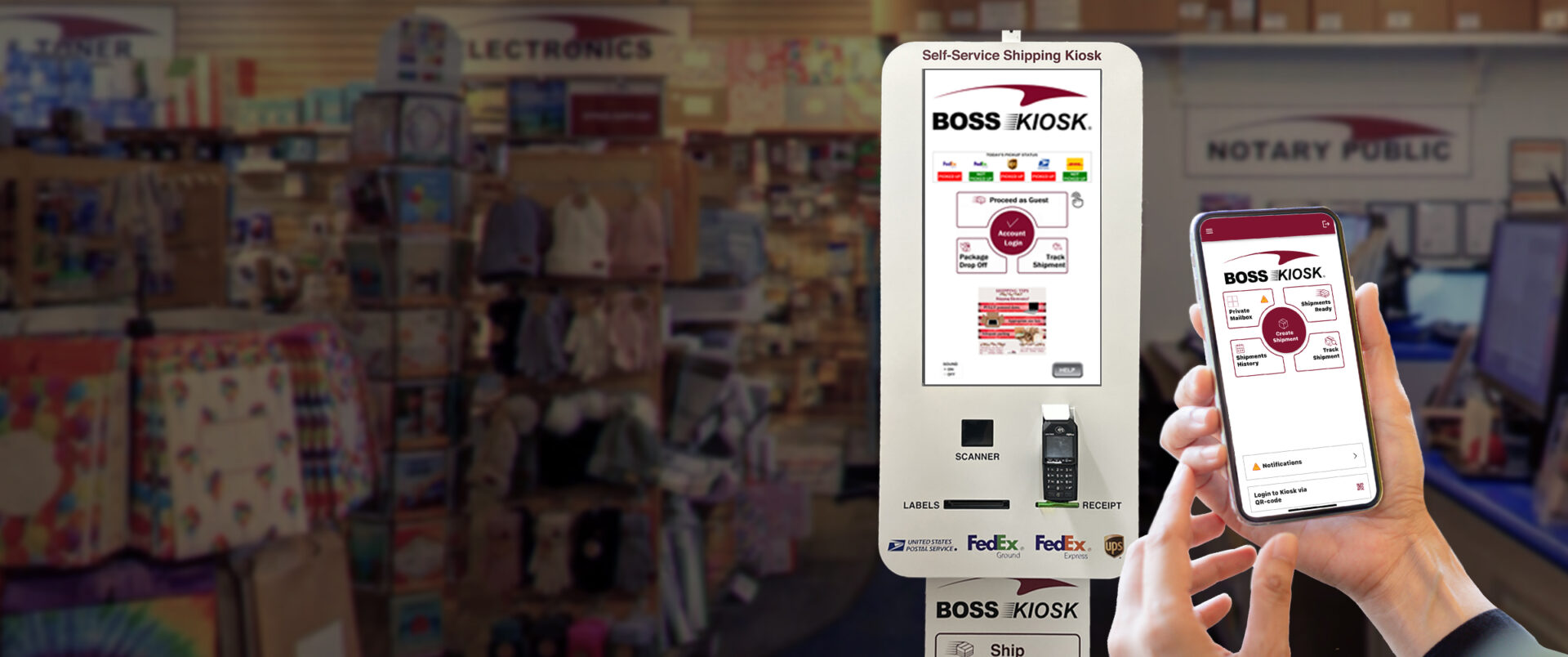
Enter addresses for sender and recipient from the app or directly at the kiosk.


Follow the easy step-by-step instructions on
the Kiosk screen. The BOSS Kiosk Parcel Dimensioning
System makes all the measurements.
Note: minimum package size is 4” x 4” x 4”.


Compare rates, choose your carrier and make
your payment. The BOSS Kiosk will print your
label with a tracking number.


Once the shipment is purchased affix the label
then drop your package in the box.
That’s it, your done! Now go enjoy your day, and
remember you can track all your shipments directly
in The Office BOSS APP at anytime anywhere.
12177 Business Park Drive, Truckee
Phone: 530-587-1620 option 2
FAX: 530-587-6228
NOTARY HOURS
Currently not available at this location
SHIPPING PICKUP TIMES
Monday - Friday
FedEx Ground : 12:30 PM
USPS : 12:00 PM
FedEx Express : 3:30 PM
UPS : 3:30 PM
Saturday & Sunday: CLOSED
3495 Lakeside Drive, Reno
Phone: 775-825-5511
FAX: 775-825-5519
NOTARY HOURS
Monday - Friday
9:30 AM - 5:00 PM
Saturday
10:00 AM - 2:00 PM
Sunday
No Notary
No appointment necessary.
SHIPPING PICKUP TIMES
Monday - Friday
DHL : 2:30 PM
FedEx Ground : 2:30 PM
USPS : 3:00 PM
FedEx Express : 4:00 PM
UPS : 5:00 PM
Saturday
USPS : Noon
FedEx Express : 2:00 PM
(No FedEx Ground, DHL, or UPS)
Sunday: CLOSED
11260 Donner Pass Rd. #C1, Truckee
Phone: 530-587-1620 option 3
FAX: 530-587-1732
NOTARY HOURS
Monday - Friday
9:30 AM - 5:00 PM
Saturday
10:00 AM - 2:00 PM
Sunday
No Notary
Must have I.D. and Full Document
No appointment necessary.
SHIPPING PICKUP TIMES
Monday - Friday
DHL : 1:00 PM
FedEx Ground : 2:30 PM
FedEx Express : 4:00 PM
USPS : 5:00 PM
UPS : 4:30 PM
Saturday
USPS : Noon
FedEx Express : 2:30 PM
(No FedEx Ground, DHL, or UPS)
Sunday: CLOSED
12177 Business Park Drive, Truckee
Phone: 530-587-1620 option 2
FAX: 530-587-6228
NOTARY HOURS
Currently not available at this location
SHIPPING PICKUP TIMES
Monday - Friday
FedEx Ground : 12:30 PM
USPS : 12:00 PM
FedEx Express : 3:30 PM
UPS : 3:30 PM
Saturday & Sunday: CLOSED